Author: therichpost
-
NGRX Store Angular Tutorial
NgRx Store is a state management solution designed for Angular applications, following the Redux pattern. It helps in managing the state of the app in a single, immutable data structure that acts as a single source of truth. With the continuous evolution of Angular, including its latest versions such as Angular 17, NgRx Store has…
Written by

-
How to globally import some module in Angular with standalone components?
To globally import a module in an Angular application that uses standalone components, you would typically do this by importing the module in your main application module or in a shared module that is imported by the other modules in your application. However, with the introduction of standalone components in Angular, the approach to sharing…
Written by

-
Use PayPal with Angular 17
Integrating PayPal into an Angular application involves a few steps. The process typically involves setting up a PayPal developer account, creating a PayPal app to obtain your client ID, and then implementing the PayPal payment button into your Angular component. Here’s a general guide to help you get started with integrating PayPal into an Angular…
Written by
-
Creating a Progressive Web Application (PWA) with Angular 17
Creating a Progressive Web Application (PWA) with Angular 17 that provides a user experience similar to that of an Electron app involves leveraging the capabilities of PWAs to work offline, send push notifications, and access device hardware, much like a desktop application created with Electron. Here’s a step-by-step guide on how you can achieve this:…
Written by
-
Angular 17 Ckeditor5 Implementation
Implementing CKEditor 5 with Angular 17 requires you to integrate the CKEditor 5 library within your Angular application. CKEditor 5 is a powerful WYSIWYG editor, customizable and with a rich API. Here’s a step-by-step guide to help you set up CKEditor 5 in an Angular 17 project: 1. Create a New Angular Project If you…
Written by

-
Angular 17 share data from one component to other component
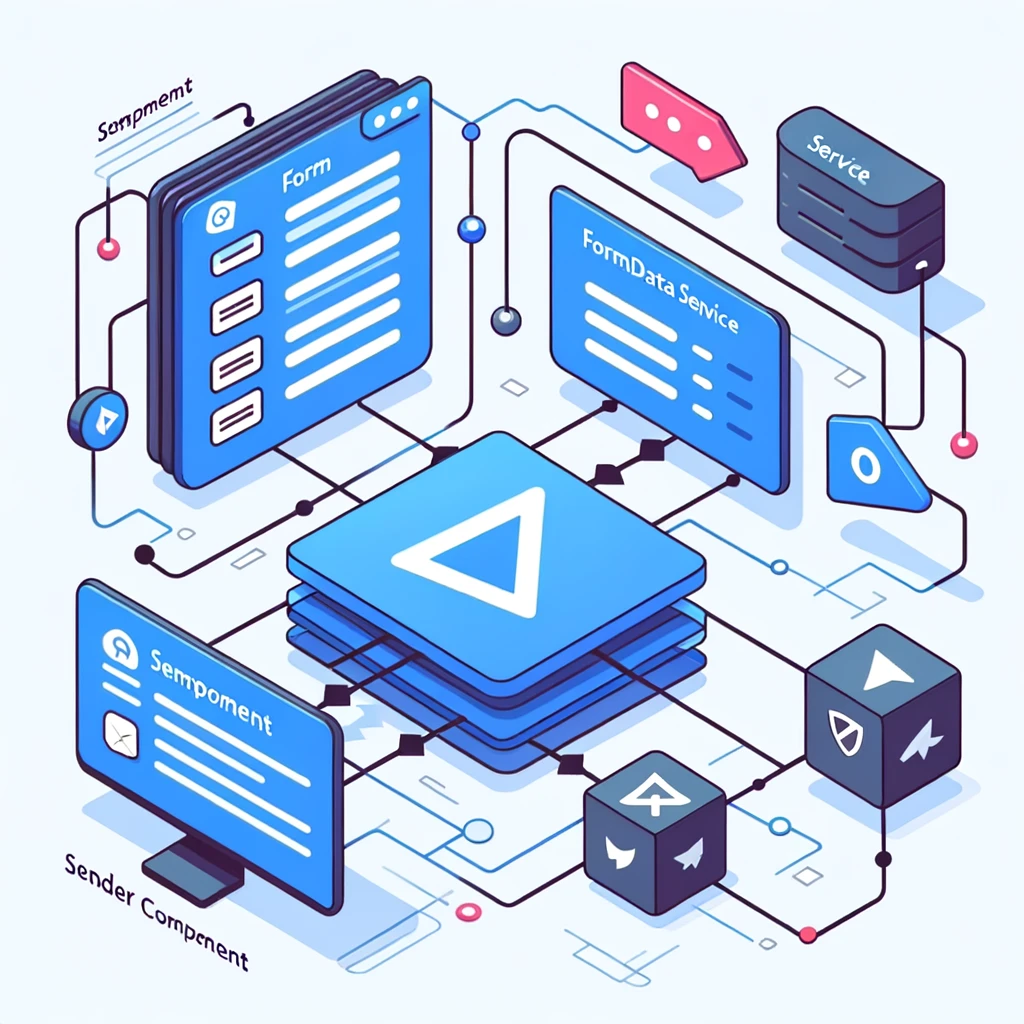
Sharing data between components in Angular, particularly form data, is a common requirement for many applications. There are various methods to achieve this in Angular, with the choice depending on the relationship between the components (parent-child, unrelated, etc.). As of Angular 17, these methods remain consistent with past versions, focusing on service-based communication, input and…
Written by
-
TinyMCE with Angular 17
Integrating TinyMCE, a popular web-based JavaScript WYSIWYG (What You See Is What You Get) editor, with Angular 17, can enhance your application by providing a rich text editing experience. Here’s a step-by-step guide to integrating TinyMCE into your Angular 17 project: Step 1: Create Your Angular Project If you haven’t already, start by creating a…
Written by

-
Fullcalendar with Add Appointment Form Demo
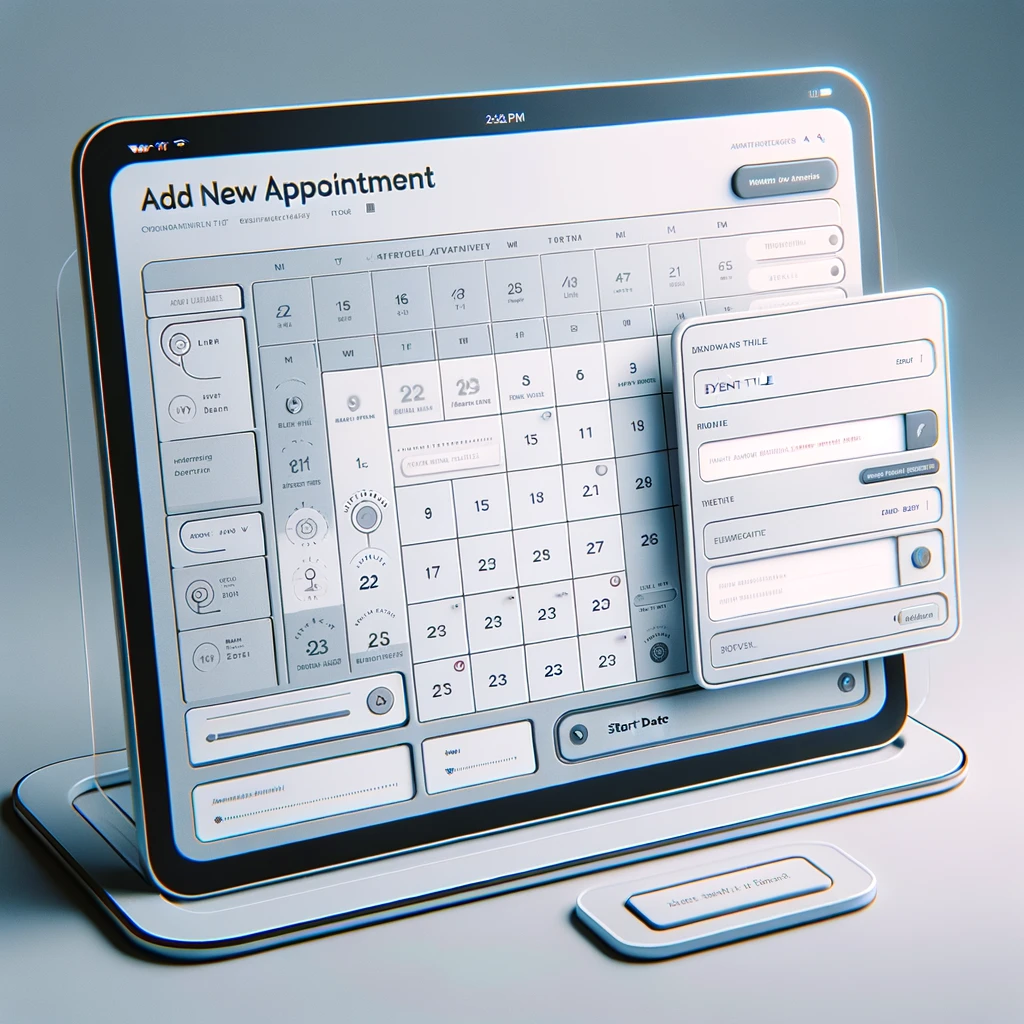
To create a demo of FullCalendar with an appointment form, you would typically follow these steps: Below is a basic example demonstrating how you could implement this. This example uses CDN for simplicity. Ensure you have internet access when testing it. This code provides a basic starting point. It initializes a calendar and allows users…
Written by
-
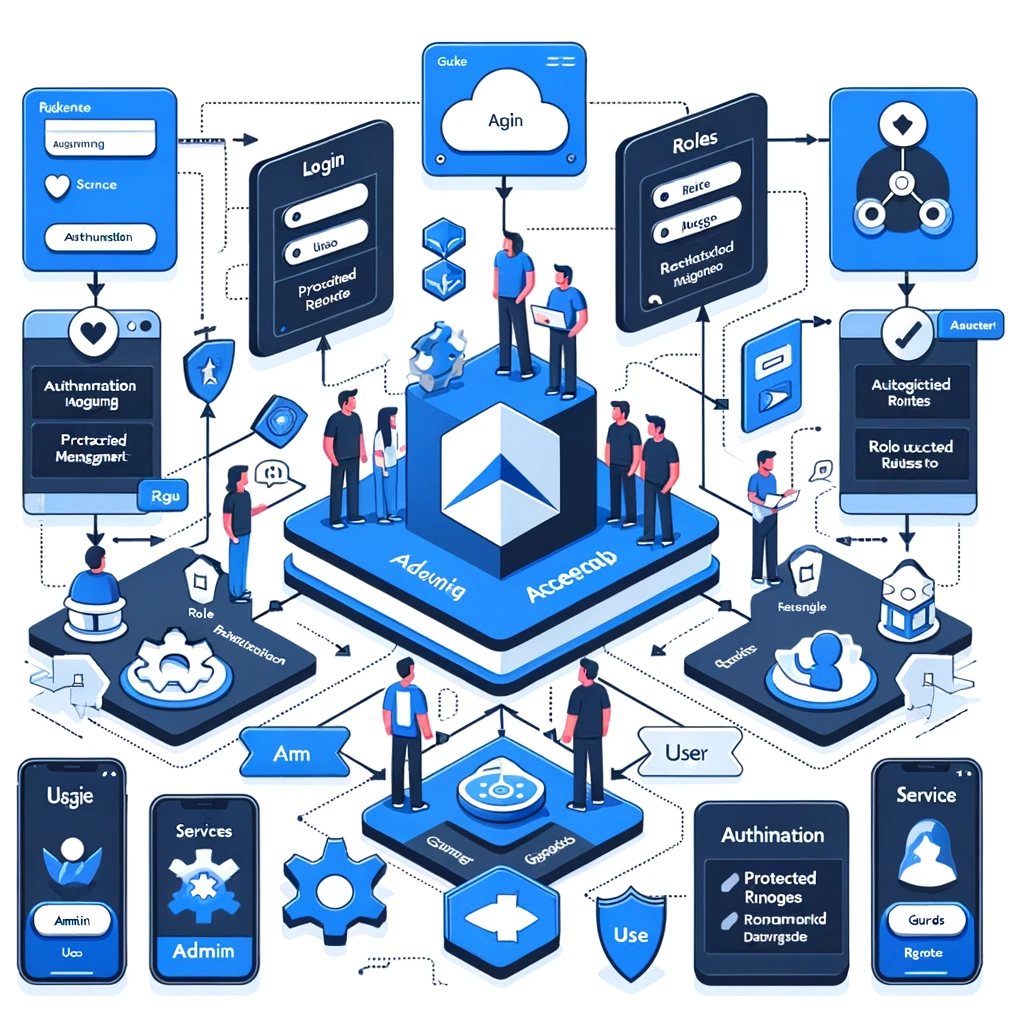
Angular Role Base Application Demo
Creating a role-based application in Angular involves several key steps, including setting up Angular routes, services for managing roles and authentication, and guards to protect routes based on user roles. While I can’t provide a complete demo application within this format, I can guide you through the process of creating a simple role-based application in…
Written by
-
Store a Token on the Frontend Angular Best Practices
Storing tokens on the frontend, especially in a Single Page Application (SPA) using Angular, is a common requirement for authentication and authorization purposes. However, it’s crucial to handle tokens securely to protect your application from common vulnerabilities such as Cross-Site Scripting (XSS) and Cross-Site Request Forgery (CSRF). Here are some best practices for storing tokens…
Written by