
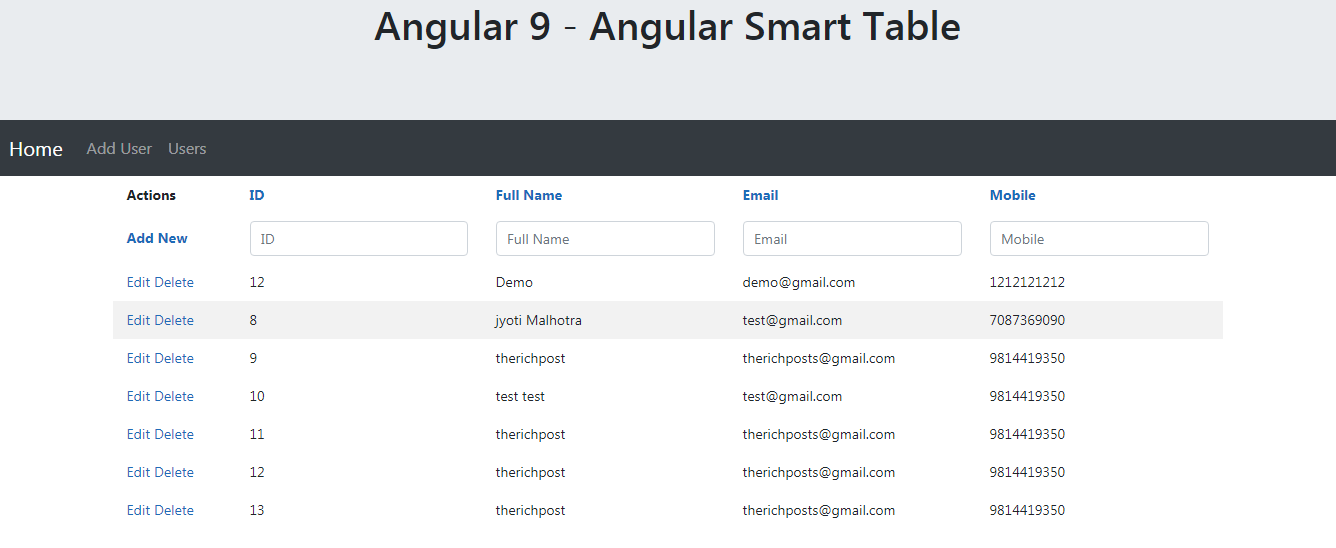
Hello to all, welcome to therichpost.com. In this post, I will tell you, Angular Smart Table.
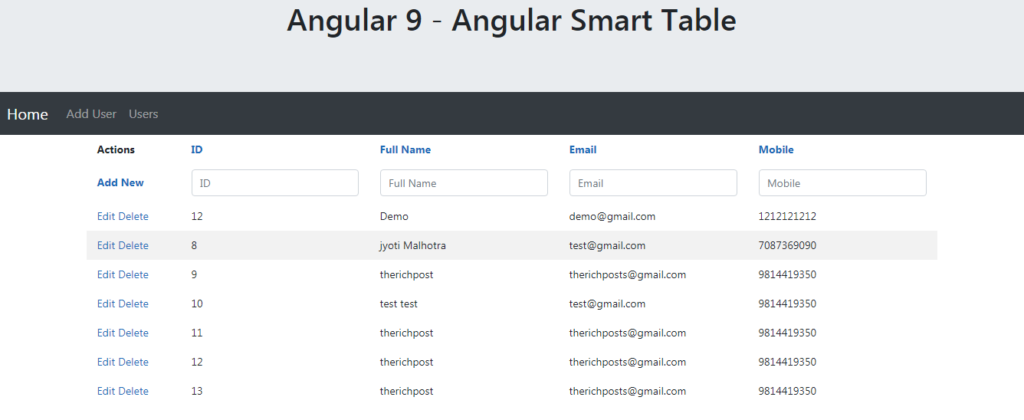
Post Working:
In this post, I am implementing smart table into my angular 9 application. With this table, you will get default, searching, filtering, add, update and delete features.
Here are the commands and code snippet and please follow carefully:
1. After setting the Angular 9 project, you need to run below commands for add smart table feature into your angular 9 application:
npm install --save ng2-smart-table

npm i @akveo/ng2-completer --save
2. Here is the code, you need to add into your app.module.ts file:
...
import { Ng2SmartTableModule } from 'ng2-smart-table';
...

// ...

@NgModule({
  imports: [
    // ...

    Ng2SmartTableModule,

    // ...
  ],
  declarations: [ ... ]
})
// ...
3. Here is the code, you need to add your app.component.ts file:
...
settings = {
  columns: {
    id: {
      title: 'ID'
    },
    name: {
      title: 'Full Name'
    },
    username: {
      title: 'User Name'
    },
    email: {
      title: 'Email'
    }
  }
};

data = [
  {
    id: 1,
    name: "test Graham",
    username: "Bret",
    email: "test@april.com"
  },
  {
    id: 2,
    name: "test Howell",
    username: "test",
    email: "test@gmail.tv"
  },
  {
    id: 11,
    name: "testDuBuque",
    username: "test.Stanton",
    email: "test@test.biz"
  }
];
...
3. Here is code, you need to add into your app.component.html file:
<ng2-smart-table [settings]="settings" [source]="data"></ng2-smart-table>
This is it and if you have any kind of query then please do comment below.
Jassa
Thank you


Leave a Reply
You must be logged in to post a comment.