
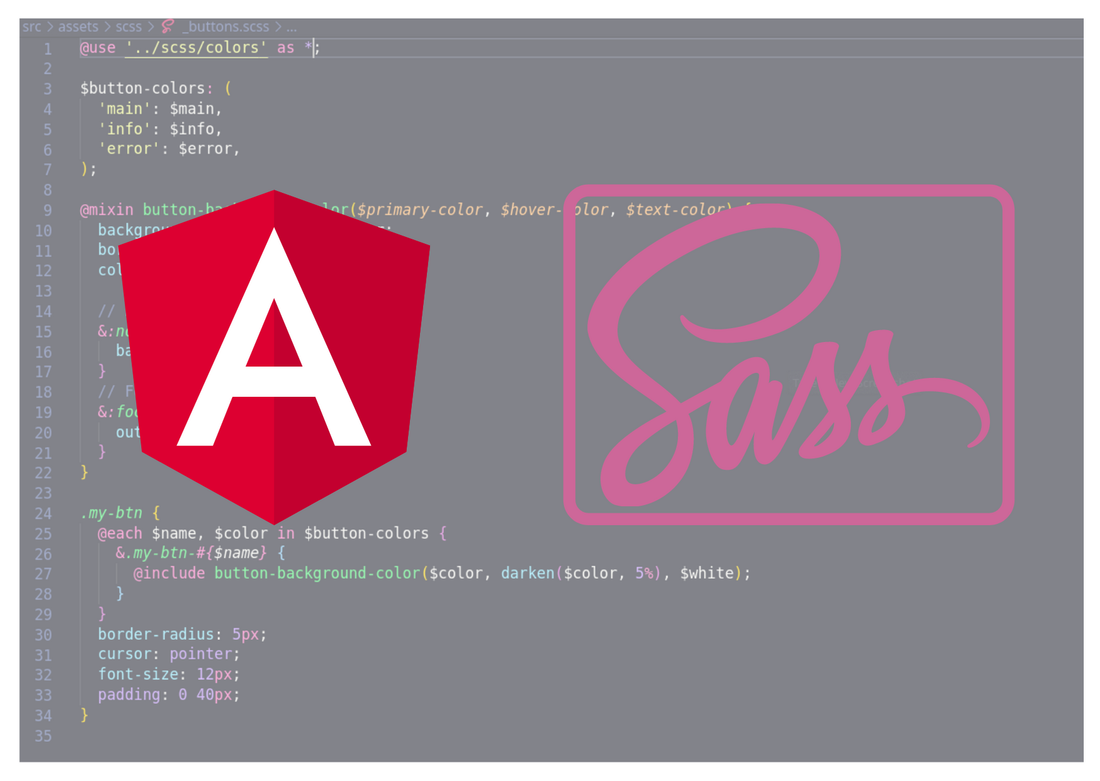
Hello guys how are you? Welcome back on my blog Therichpost. Today in this post I am going to share How to import file with mixins globally in angular 19?
Angular 19 came. If you are new then you must check below two links:
Now guys here is the complete code snippet and please follow carefully:
In Angular 19, you can import a file with mixins globally by configuring it in your angular.json file so that it’s available across all components without explicitly importing it each time.
Steps to Import a File with Mixins Globally:
1. Create Your Mixin File
Create a _mixins.scss file (or any name you prefer) inside your styles directory. Example:
// src/styles/_mixins.scss

@mixin primary-button {
  background-color: blue;
  color: white;
  padding: 10px;
  border-radius: 5px;
  &:hover {
    background-color: darkblue;
  }
}
2. Include It in Your Global Styles
Modify your src/styles.scss (or styles.sass) file to import the mixins file:
// src/styles.scss
@import 'styles/mixins';
3. Add It to angular.json
To make it globally available, add it to the "styles" array inside angular.json:
"styles": [
  "src/styles.scss"
]
Alternatively, if using a preprocessor like SCSS, you can specify it under "stylePreprocessorOptions":
"stylePreprocessorOptions": {
  "includePaths": [
    "src/styles"
  ]
}
This allows you to import mixins in any component without using relative paths:
@import 'mixins';

.my-button {
  @include primary-button;
}
4. Use the Mixin in Components
Now, in any component, you can simply do:
// any.component.scss
.my-class {
  @include primary-button;
}
Summary:
- Define your mixins in
_mixins.scss - Import them into
styles.scss - Ensure Angular loads them globally via
angular.json - Use mixins anywhere without relative imports
Let me know if you need more help then feel free to comment below! 🚀
Ajay
Thanks