Author: therichpost
-
Create video chat application in Vuejs
Creating a simple video chat application using Vue.js involves several key steps, including setting up a Vue project, integrating a video chat API like WebRTC, and handling the UI and UX aspects. For this guide, we’ll focus on a basic implementation that allows two users to video chat with each other. We’ll use Vue.js for…
Written by

-
Mobile number masking in my Ionic App
Implementing mobile number masking in your Ionic app involves creating a feature that hides or obscures part of a user’s mobile number to protect their privacy. This can be especially useful in applications where phone numbers are displayed but full privacy needs to be maintained. Here’s a step-by-step guide to implement a basic mobile number…
Written by

-
Benefit of SaaS Bootstrap Templates for Angular
Bootstrap templates for Angular, especially in the context of Software as a Service (SaaS) applications, offer several benefits that can accelerate development, ensure consistency in design, and improve the overall user experience. Here are some of the key advantages: In summary, SaaS bootstrap templates for Angular can provide a solid and efficient foundation for building…
Written by

-
Woocommerce hook change shipping text on checkout page
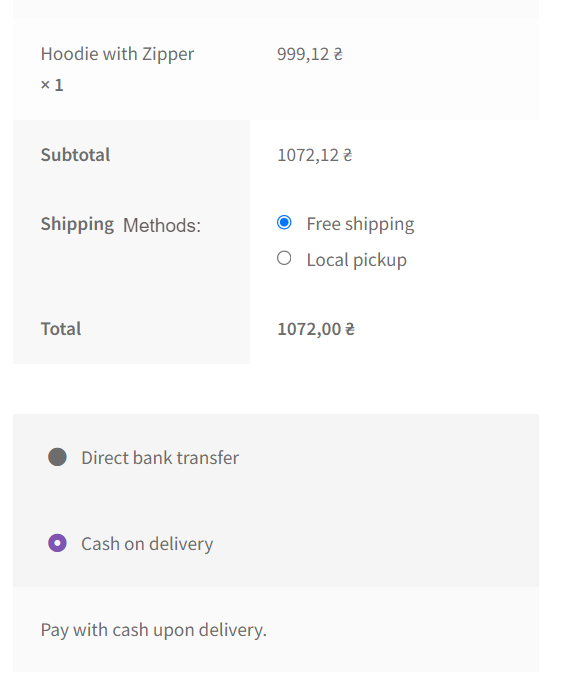
Hello guys how are you? Welcome back to my channel. Today in this post I am going to show you Woocommerce hook change shipping text on checkout page. Guys I have used both latest versions WordPress 6.3 and WooCommerce 8.6. Guys if you are new in WordPress or in WooCommerce then please check the below links…
Written by
-
Creating a video application in Angular
Creating a video application in Angular involves several steps, including setting up the Angular 17 project, integrating video playback capabilities, and possibly handling video uploads and storage if your application requires it. Here’s a basic guide to get you started: 1. Setting Up the Angular Project First, ensure you have Node.js and the Angular CLI…
Written by

-
Angular Firebase Chat App
Creating a basic chat application in Angular involves several steps, from setting up your Angular project to creating the chat UI and integrating real-time messaging functionality. This example will guide you through creating a simple chat application using Angular 17 and Firebase for real-time database functionalities. Firebase is a popular choice for real-time applications due…
Written by
-
Sharing components between different projects in Angular 17
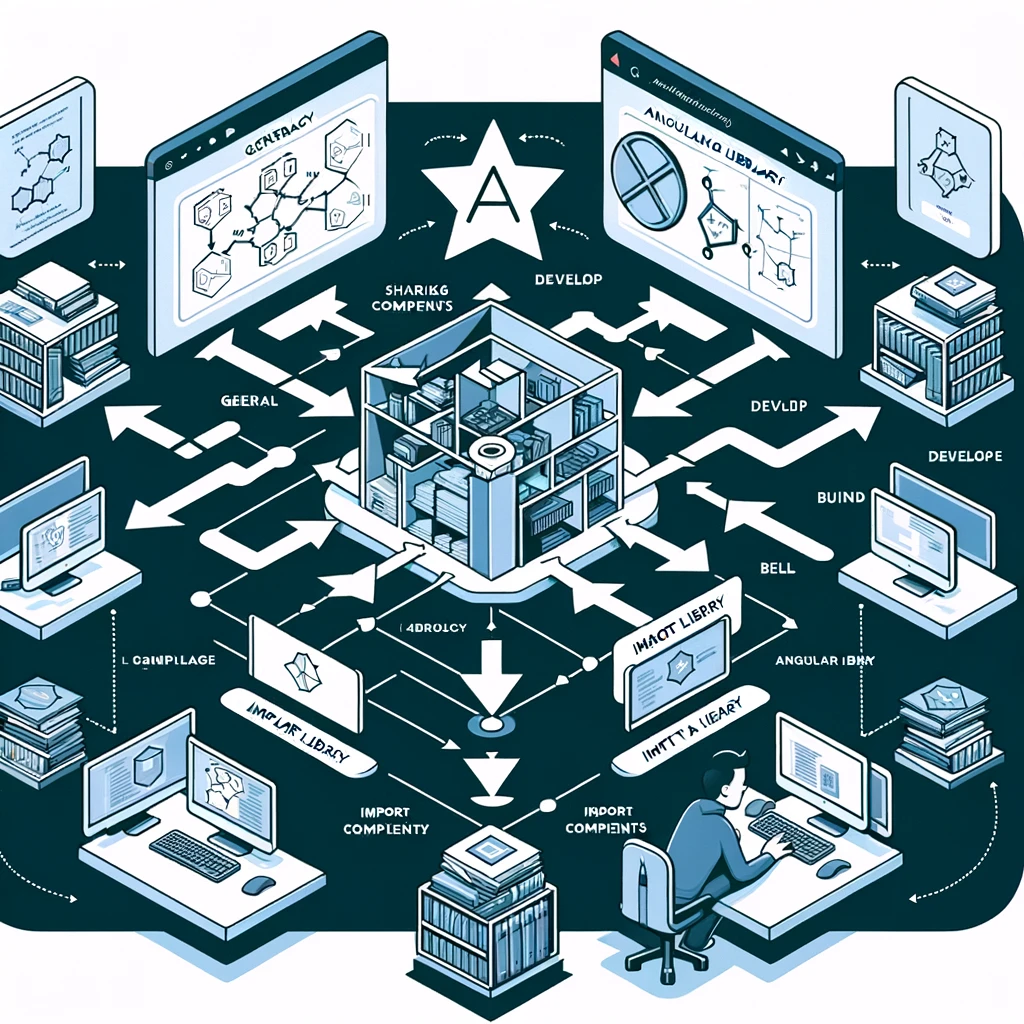
Sharing components between different projects in Angular, especially in a monorepo environment, is a common practice that enhances reusability and consistency across projects. Angular provides several methods to share components, services, directives, pipes, and other entities between projects. Here’s how you can do it: 1. Angular Libraries Creating Angular libraries is the most common and…
Written by
-
how to add multiple Fullcalendar in single html page?
To add multiple FullCalendar instances on a single HTML page, you will need to ensure each calendar has its own unique container element. Here’s a step-by-step guide to achieve this: Here’s a simple example demonstrating how to implement two FullCalendar instances on one page: HTML Key Points: Remember, you can add as many calendars as…
Written by

-
How to show different Fullcalendar for different cities ?
To show different FullCalendar instances for different cities, you can follow a strategy where each city has its own calendar instance with events specific to that city. Here’s a step-by-step guide on how to implement this: 1. Prepare Your Data Ensure you have a data source for your events, organized by city. This could be…
Written by

-
Creating a Step Form (also known as a wizard form) in Angular 17
Creating a step form (also known as a wizard form) in Angular involves a few key steps: organizing the form into distinct steps, managing form data across these steps, and controlling navigation between steps. Angular’s powerful form handling capabilities, particularly with Reactive Forms, make it well-suited for this task. Below is a simplified guide to…
Written by